How to turn a photo into GTA-style art
To turn a photo into GTA style, open Vice Photos on your iPhone, pick a photo, pick a scene and wait about 15 seconds. You come back as a comic "loading screen" character with your real face, hair and pose. The first one is free.
Download on the App Store iPhone app. Your first photo is free.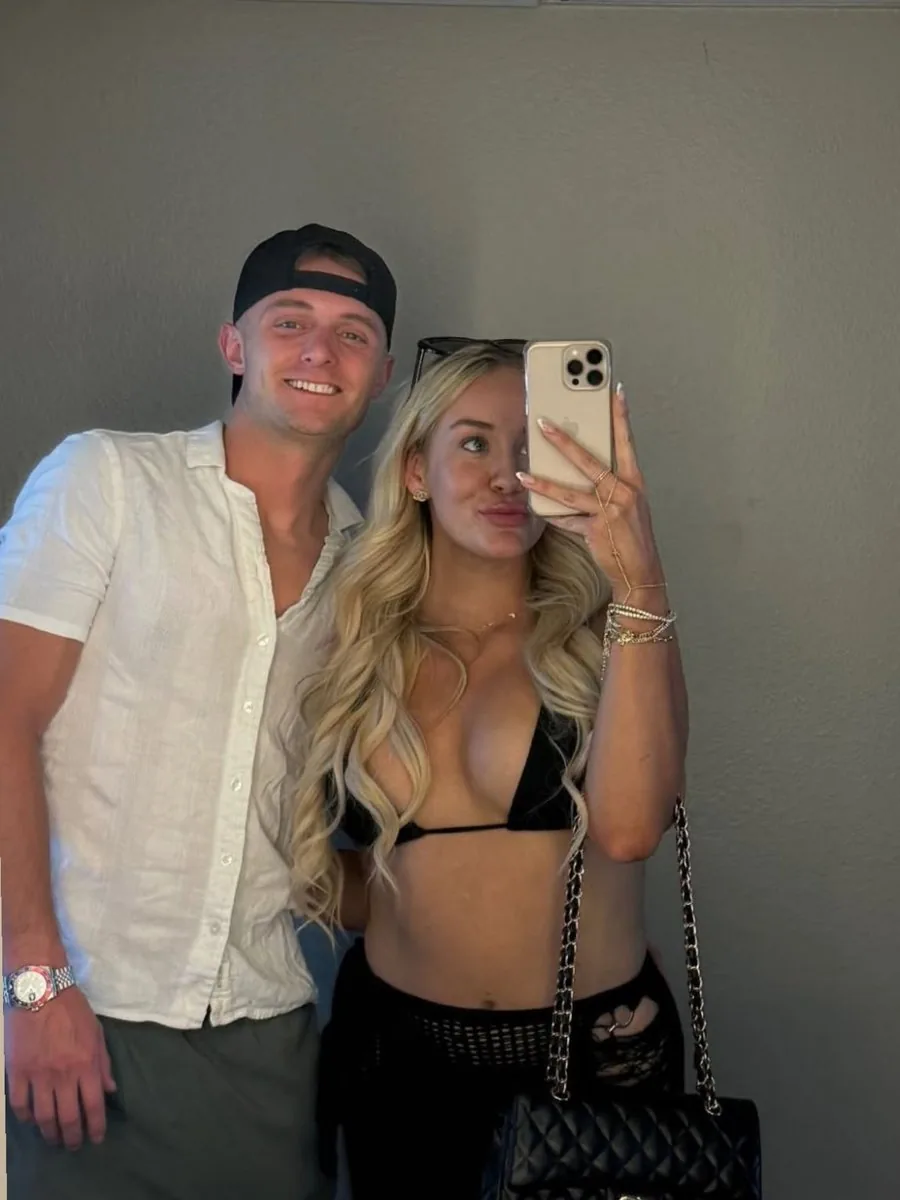
What happens to your photo
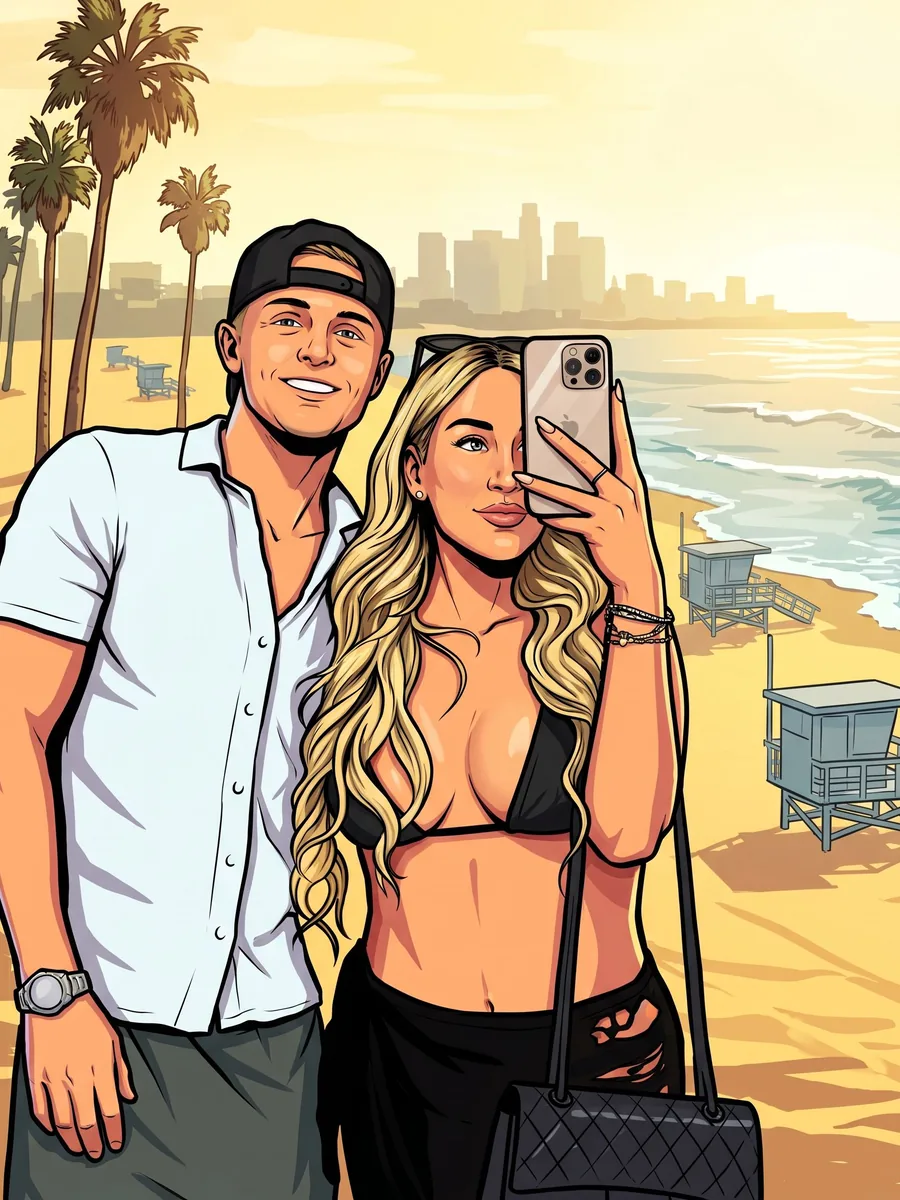
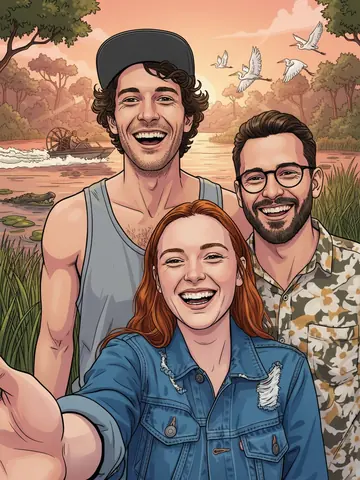
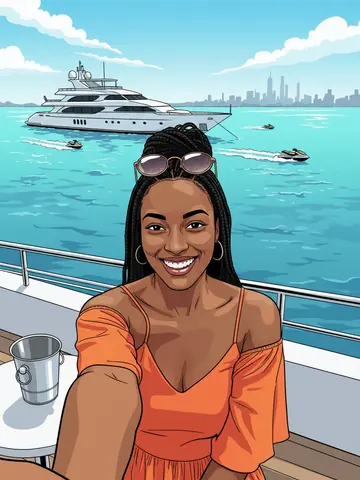
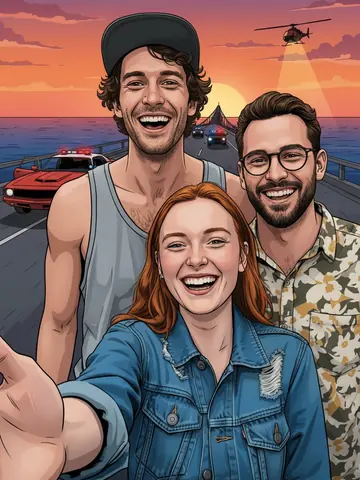
Vice Photos does not paste a cartoon head on a stock body. It redraws the photo you gave it. Your face, hair, pose and framing stay, and the whole image is rebuilt as an illustration with thick black ink outlines, flat cel-shaded color and hard graphic shadows.
The scene decides the background. Pick one of the six and you are standing on a beach, in a nightclub or inside a bank vault. Pick Keep My Background and your own setting gets the same comic treatment.
So if you searched "make me into a GTA character", this is the honest version: you, drawn in the look of GTA loading screens. It is not a character from the games.
Photos that work best
- Face clearly visible. No hand over your mouth, no hair across both eyes. Sunglasses are fine, but then the drawing wears sunglasses too.
- Decent light. Daylight or a bright room. Dark, grainy shots give the model less to work with.
- Front facing. Looking at or near the camera beats a side profile.
- Close enough. Head and shoulders, or waist up. A tiny face in a wide shot has few details to hold on to.
Solo selfies, couples and small groups all work. In a group, make sure nobody is half hidden behind someone else.
Why a result looks off, and the fix
- It does not look like you. Usually the face was small, blurry or turned away. Use a closer, sharper, front-facing photo.
- Your features look muddy. The original was too dark or lit from behind. Choose a photo where light falls on your face.
- One person in the group looks generic. Their face was partly covered or far from the camera. Get everyone at a similar distance.
- The scene fights the photo. A night scene behind a bright midday selfie can feel mismatched. Try another scene, or Keep My Background.
It is AI, so two runs of the same photo will not match exactly. When a result comes out strange, a better source photo fixes more than a second try with the same one.
Try it before you pay
You get one photo free, and it carries a Vice Photos tag. If you like what you see, credit packs run from $0.99 for a single photo to $19.99 for 60, with $4.99 and $9.99 packs in between. They never expire, there is no subscription, and any pack removes the tag.
Curious about the look itself? Read about the GTA art style. Would you rather type a prompt into a chatbot? Use our GTA-style photo prompt.
Step by step
- Get the appDownload Vice Photos from the App Store. It needs an iPhone running iOS 15 or later.
- Pick a photoChoose a photo from your library or take a new selfie. A clear, front-facing face in decent light gives the closest likeness.
- Pick a sceneChoose Beach Vibes, Vice Club, Heist Ready, Downtown Chaos, Street Gang or Luxury Life, or choose Keep My Background to stay where you are.
- Wait about 15 secondsThe app redraws your photo with thick ink outlines, flat color and hard shadows while keeping your face, hair, pose and framing.
- Save or shareSave the finished art or share it. Your first photo is free and carries a Vice Photos tag.
Common questions
How long does it take to turn a photo into GTA style?
About 15 seconds from picking a scene to seeing the finished art.
Can I convert an old photo, or does it have to be a new selfie?
Either. Pick any photo from your library or take a new selfie. Older photos work as long as the face is clear and well lit.
Can it turn me into an actual character from the games?
No. It draws you in the look of GTA loading screens and does not use characters from the games. Vice Photos is independent and is not endorsed by Rockstar Games or Take-Two Interactive.
Do I need to remove the background first?
No. Pick a scene and the background is replaced for you, or choose Keep My Background to leave it in place.
More guides
- GTA 6 filterThere is no official GTA 6 filter. Here is what people mean by it and how to get the comic loading screen look on your own iPhone photos, first one free.
- GTA-style photo generatorVice Photos is a GTA-style photo generator for iPhone. It redraws your selfie as comic loading screen art, keeps your face, and the first photo is free.
- Loading screen makerWhat makes GTA loading screen art recognizable, and how to turn your own photo into loading screen style art for posters, group chats and party invites.
- GTA 6 pfp makerMake a GTA-style pfp from your own selfie on iPhone. How to frame your face for a round crop, which scenes read well small, and what each platform needs.