
Make your own GTA-style loading screen art
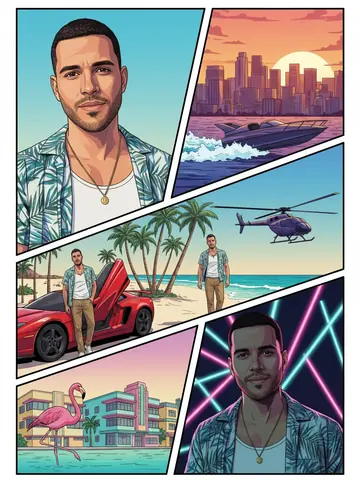
A GTA loading screen maker turns your photo into the kind of bold comic illustration the series is known for. Vice Photos does it on iPhone: pick a photo, pick a scene, and about 15 seconds later you have loading screen style art with your own face in it. The first one is free.
Download on the App Store iPhone app. Your first photo is free.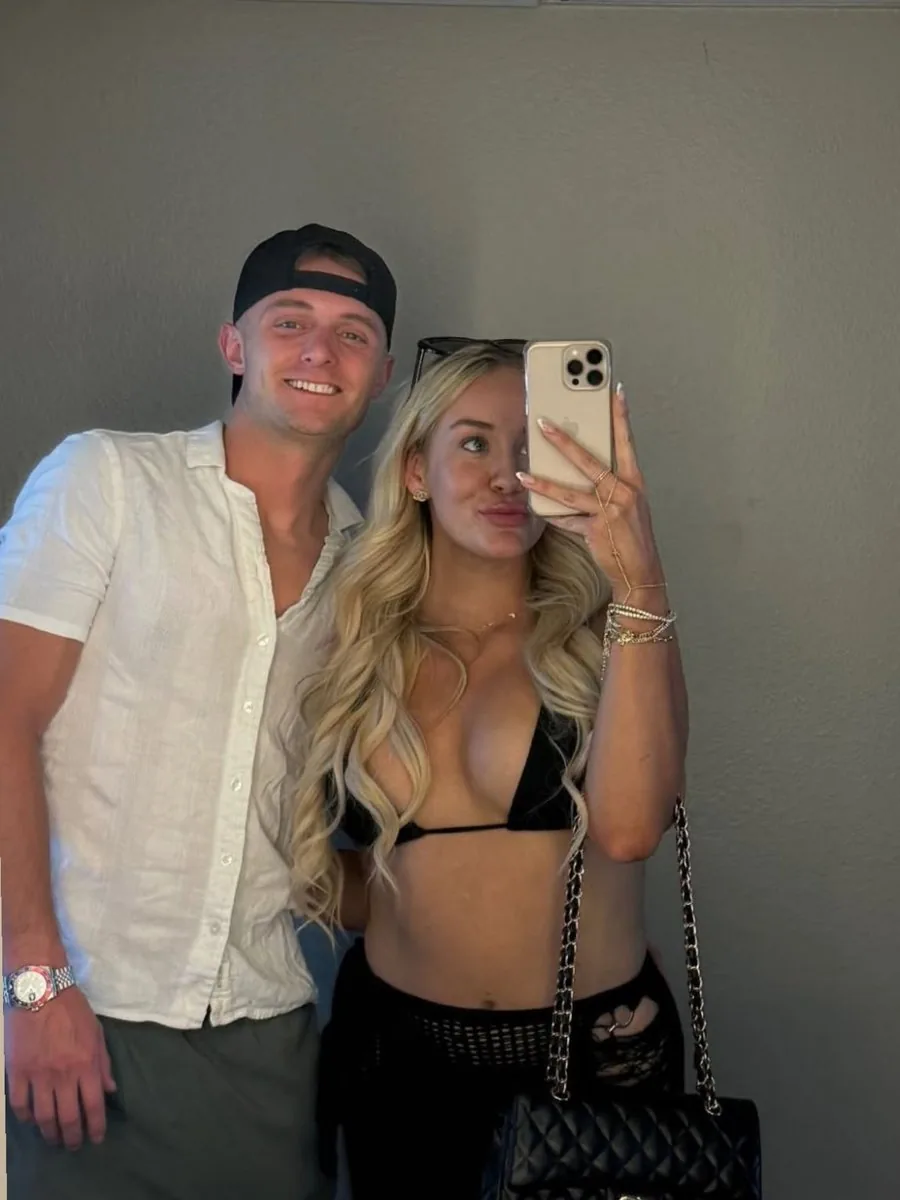
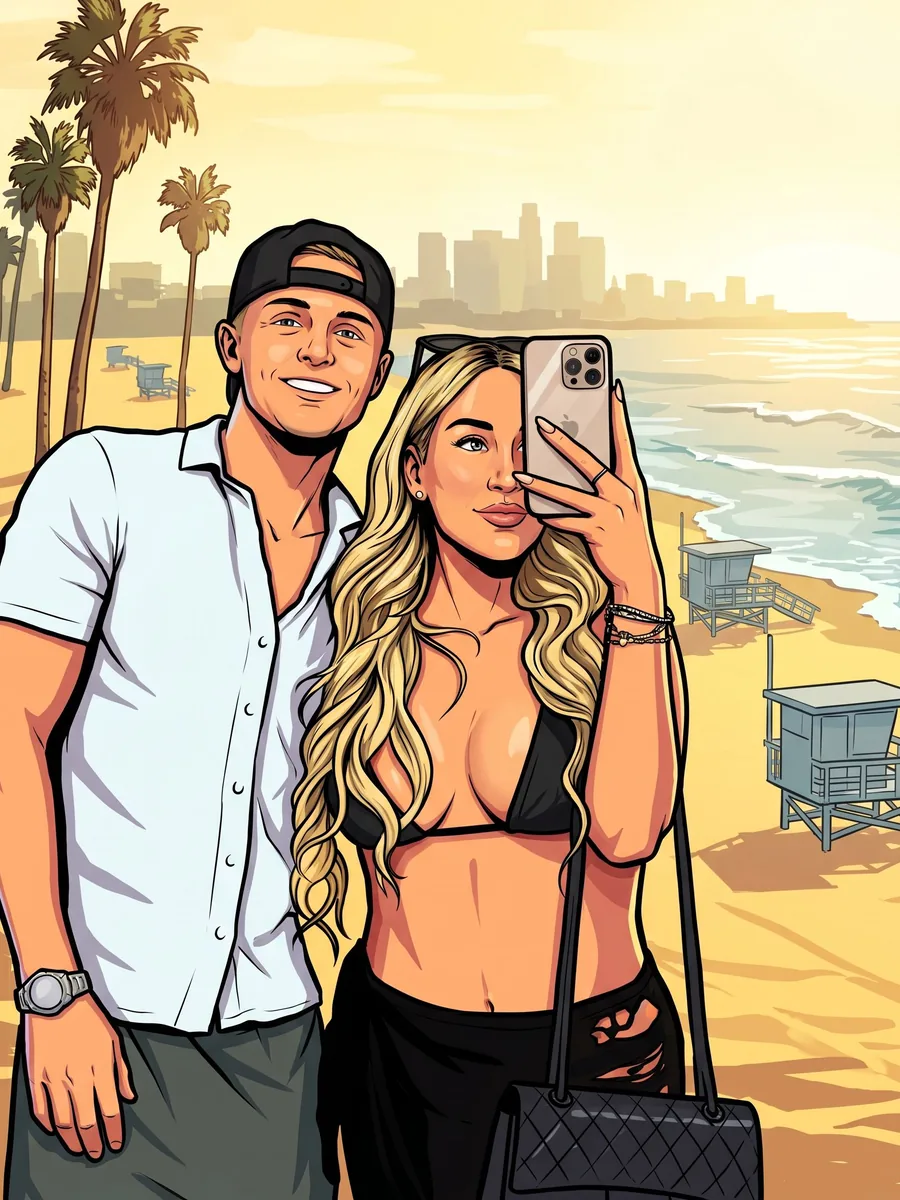
What makes loading screen art recognizable
You can pick it out from across a room. Four things do the work:
- Composition. One person or a small group fills the frame, usually from the chest or waist up, in a pose with some attitude in it.
- Outline weight. A heavy black ink line runs around each figure, with finer lines inside for features and folds. That thick edge lifts the figure off the backdrop.
- Color blocking. Flat, saturated areas of color with hard-edged shadows. A face is a few tones with crisp borders, not a smooth blend.
- Backdrop. A setting you can read in one glance: palm trees, a skyline, a neon glow.
On the box covers, illustrations like these are arranged in a grid of panels. A loading screen style portrait is one of those panels with you in it.
How to make your own
Vice Photos keeps the pose and framing of your photo, so the composition of your loading screen is the composition of your photo. Stand the way you want to be drawn.
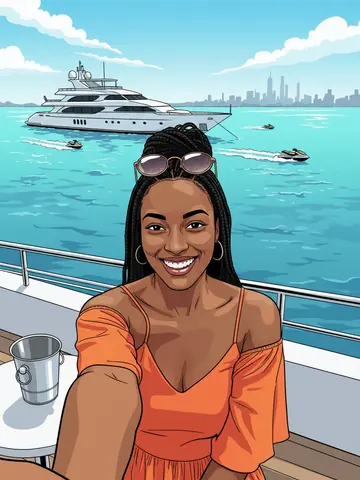
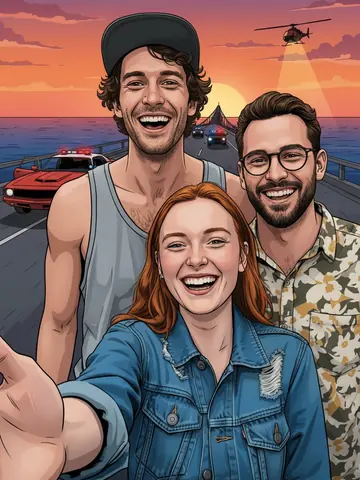
Then open the app, choose that photo and choose a backdrop: Beach Vibes, Vice Club, Heist Ready, Downtown Chaos, Street Gang or Luxury Life. Keep My Background redraws your real setting instead. About 15 seconds later the art is ready to save or share. You can browse the backdrops on the scenes page.
Set up the shot like a poster
- Frame from the chest or waist up and leave a little space above your head.
- Keep your face toward the camera. Turn your shoulders if you like, but not your head.
- Find decent light. Open shade or a bright window is plenty.
- Pick a pose and commit: arms crossed, leaning on a wall, sunglasses pushed up.
- In a group, stagger people so no face hides behind another.
What to do with it
- Posters. A birthday, a bachelor party, a going-away gift. Redraw the guest of honor and print it.
- Group chat. Take last weekend's group photo, run it through Downtown Chaos and send it with no explanation.
- Party invites. Use the art as the header and add the date and address in whatever you normally make invites with.
Grand Theft Auto VI launches November 19, 2026 on PS5 and Xbox Series X|S, which is why interest in loading screen art is high. A launch night invite is an obvious use.
The first photo costs nothing and carries a Vice Photos tag. A single photo after that is $0.99, and bigger packs bring the price per photo down.
Common questions
Does it add a game logo or title to my loading screen?
No. It makes the illustration only and does not add game titles or logos. Vice Photos is an independent app, not made or sponsored by Rockstar Games or Take-Two Interactive.
Which scene suits a loading screen poster?
Beach Vibes gives you sand, palm trees and a hazy skyline, the sunny version of the look. For a night version, try Vice Club or Luxury Life.
Is there a watermark on the art?
The free first photo carries a Vice Photos tag. Buying any credit pack removes it.
Can I make more than one loading screen from the same photo?
Yes. Run the same photo through different scenes to get a set. Each finished photo uses one photo from your credit pack.
More guides
- GTA 6 filterThere is no official GTA 6 filter. Here is what people mean by it and how to get the comic loading screen look on your own iPhone photos, first one free.
- GTA-style photo generatorVice Photos is a GTA-style photo generator for iPhone. It redraws your selfie as comic loading screen art, keeps your face, and the first photo is free.
- Photo to GTA styleHow to turn a photo into GTA-style art on iPhone in a few steps, which photos work best, and the usual reasons a result looks off. First photo is free.
- GTA 6 pfp makerMake a GTA-style pfp from your own selfie on iPhone. How to frame your face for a round crop, which scenes read well small, and what each platform needs.