The GTA art style, explained
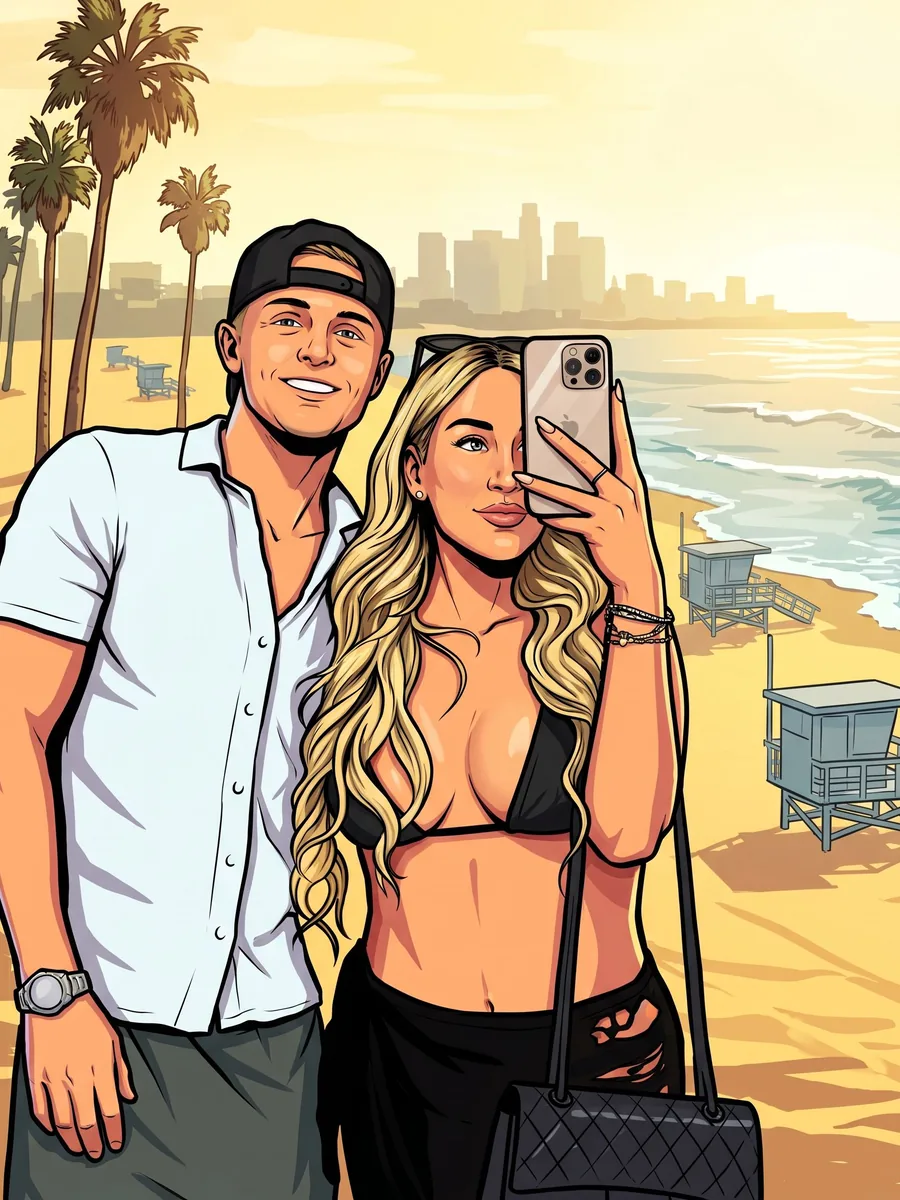
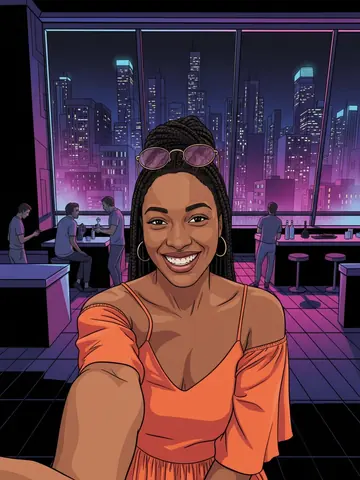
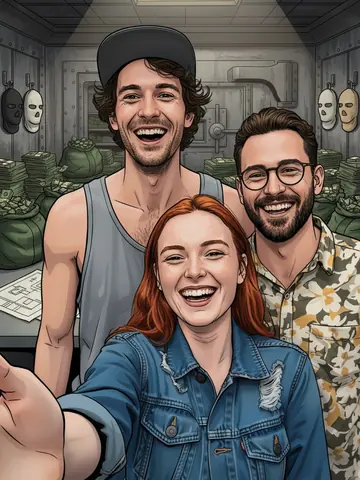
The GTA art style is a bold comic-book illustration look: thick black ink outlines, flat cel-shaded color and hard graphic shadows, seen on the series' covers and loading screens. It has no official name that we could find. Most people just call it GTA loading screen art.
Download on the App Store iPhone app. Your first photo is free.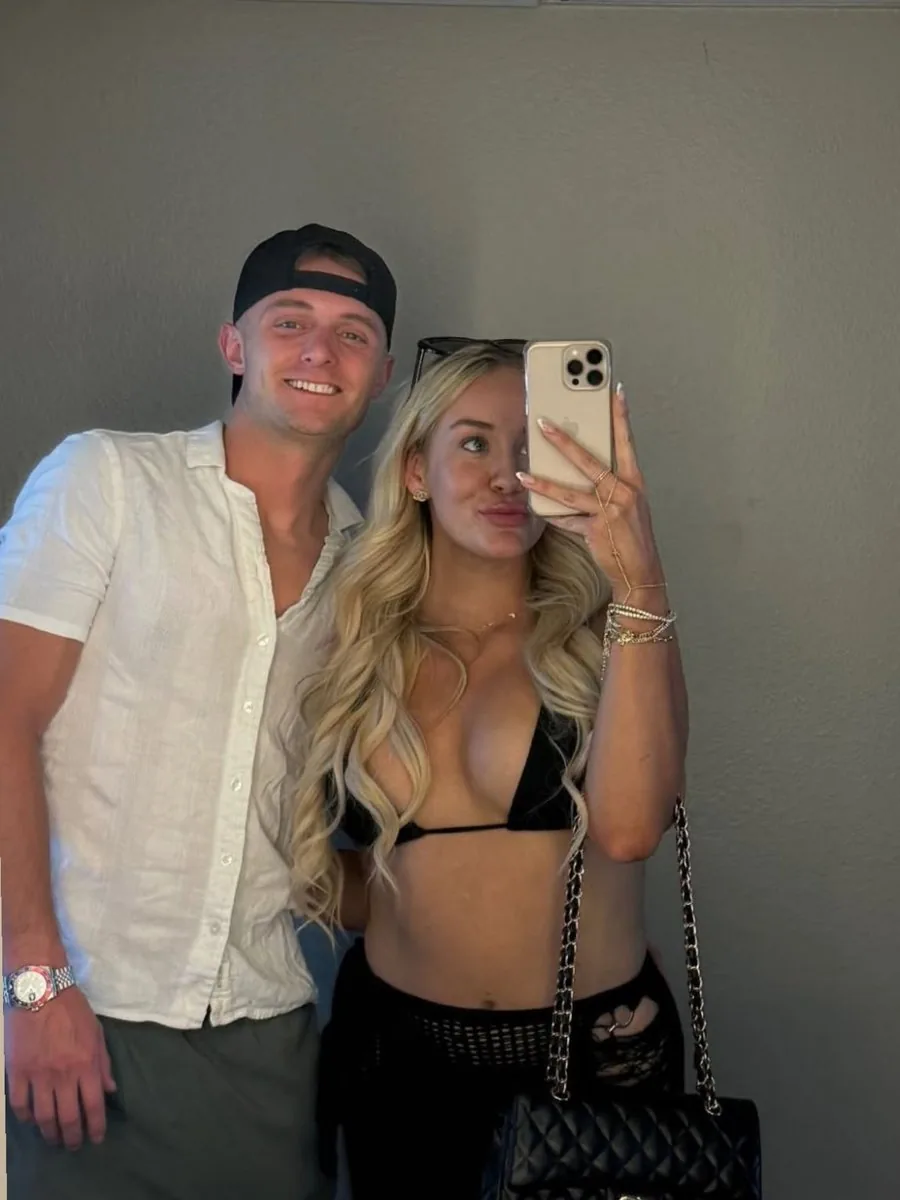
What the style is called
Search for a name and you will find "GTA art style", "loading screen art" and "GTA cover art style" used for the same thing. We could not find an official name from Rockstar Games. In plain terms it is comic-book illustration with cel shading: realistic proportions, ink-style lines, flat color.
It is not the in-game graphics. It is the illustrated artwork around the games: box covers, posters and loading screens.
How it is built visually
- Line. Thick black outlines around figures and finer lines for features. Edges are clean, closer to vector linework than a pencil sketch.
- Color. Flat, saturated blocks. A face is a handful of tones with crisp borders between them.
- Shadow. Hard-edged shapes of darker color, as if strong sun or neon is hitting from one side.
- Contrast. High, with very few soft gradients.
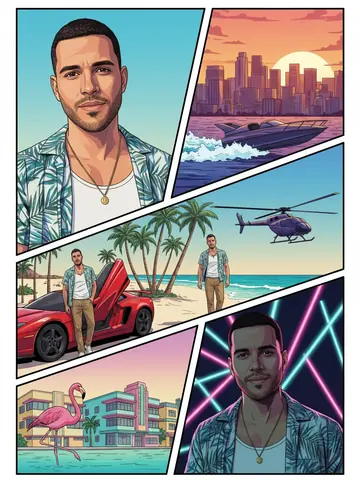
- Layout. On the box covers, separate illustrations sit in a grid of panels like a comic page, a format the series has used since Grand Theft Auto III.
Who is credited with the look
The artist most associated with it is Stephen Bliss, a senior artist at Rockstar Games for about 15 years starting in 2001. He is credited with the cover art from Grand Theft Auto III (2001) through Grand Theft Auto V (2013), and with most of the promotional and loading screen illustrations. He has said his first brief there was to paint the box cover and develop an art style for Grand Theft Auto III.
He did not work alone. Bliss has described inventing the illustration styles alongside Anthony Macbain, an illustrator who became the studio's director of illustration.
How AI recreates it, and where it slips
An AI image model can redraw a photo by these rules: heavy outlines, flat color, hard shadows. It gets the surface of the style quickly. The misses are predictable:
- Faces drift. General tools often hand back a good-looking stranger instead of you.
- Too much polish. Soft gradients and airbrushed skin creep in, and the result reads as a glossy render instead of ink and flat color.
- Thin lines. Outlines come out hairline-thin and the poster punch is gone.
- Stray text and odd hands. Garbled lettering on signs and strange fingers are common tells.
Apply it to your own photo
Vice Photos is an iPhone app built around this one style. Pick a photo and a scene, and in about 15 seconds it redraws you by the rules above while keeping your real face, hair, pose and framing. The first photo is free.
For the walk-through, see how to turn a photo into GTA-style art. To try it in a chatbot, start with our GTA-style photo prompt.
Vice Photos is independent. It is not made by, affiliated with, endorsed by or sponsored by Rockstar Games or Take-Two Interactive, and it has no connection to the artists named above.
Common questions
What is the GTA art style called?
It has no official name that we could find. It is usually described as comic-book or cel-shaded illustration, and most people call it GTA loading screen art.
Who drew the GTA cover art?
Stephen Bliss is credited with the covers from Grand Theft Auto III through Grand Theft Auto V. He has said he developed the illustration styles alongside Anthony Macbain.
Is the GTA art style the same as cel shading?
Not quite. Cel shading means flat tones with hard edges between them, which is one ingredient. The GTA look adds heavy ink outlines, realistic proportions and high contrast.
Is there a GTA art style generator?
Vice Photos is one for iPhone: it redraws a photo in this style. General AI image tools can attempt it too if you give them a detailed prompt.
More guides
- GTA 6 filterThere is no official GTA 6 filter. Here is what people mean by it and how to get the comic loading screen look on your own iPhone photos, first one free.
- GTA-style photo generatorVice Photos is a GTA-style photo generator for iPhone. It redraws your selfie as comic loading screen art, keeps your face, and the first photo is free.
- Photo to GTA styleHow to turn a photo into GTA-style art on iPhone in a few steps, which photos work best, and the usual reasons a result looks off. First photo is free.
- Loading screen makerWhat makes GTA loading screen art recognizable, and how to turn your own photo into loading screen style art for posters, group chats and party invites.