The GTA 6 filter: what it is and how to get the look
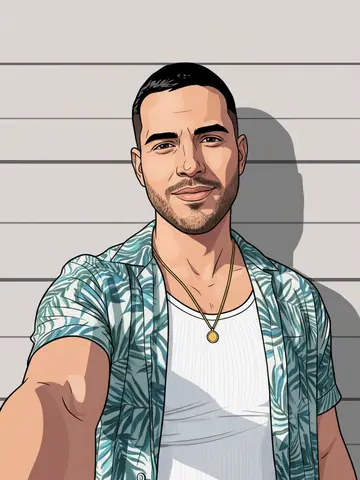
There is no official GTA 6 filter. What people mean by it is the comic "loading screen" look, thick black outlines and flat bold color, put on their own photo. Vice Photos is an independent iPhone app that redraws your selfie that way in about 15 seconds, and the first photo is free.
Download on the App Store iPhone app. Your first photo is free.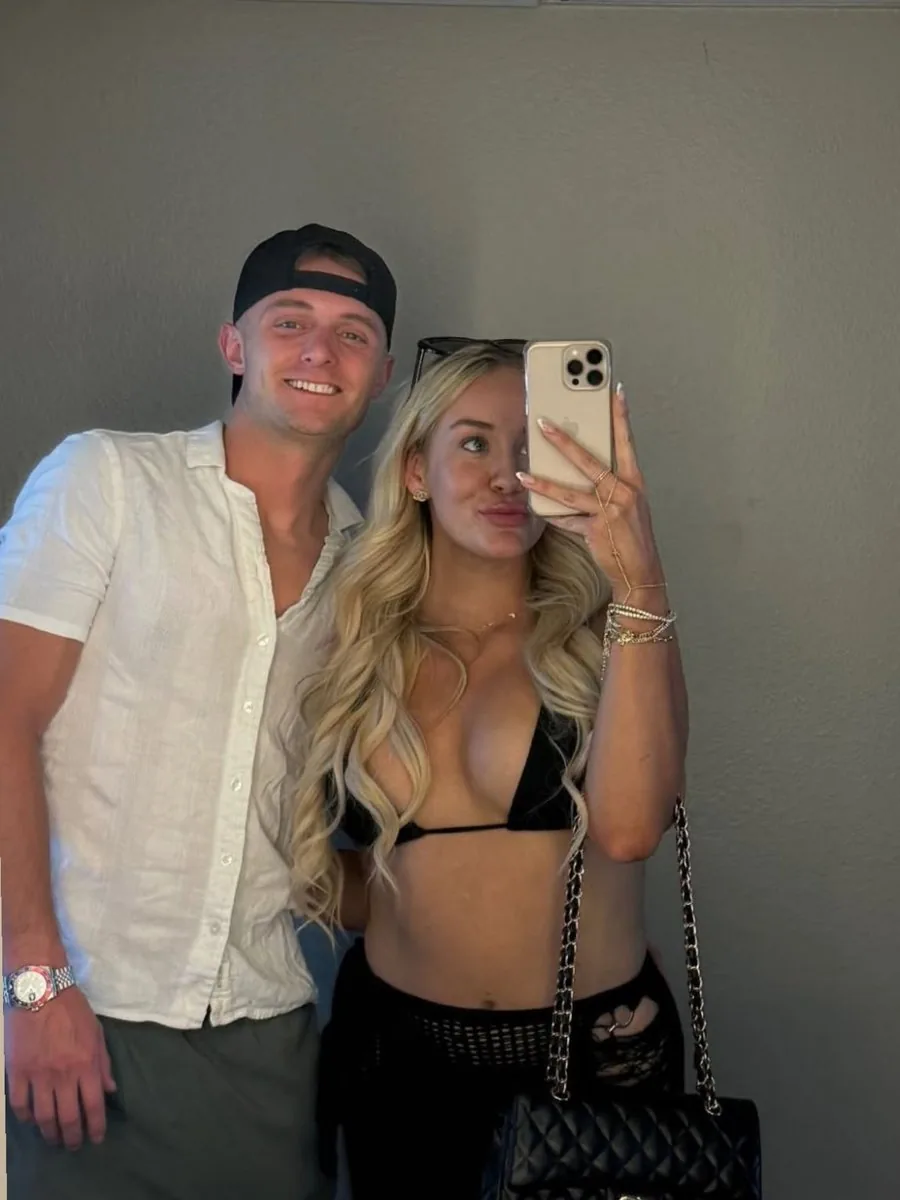
What people mean by a GTA 6 filter
Interest in the look is high because Grand Theft Auto VI launches on November 19, 2026 on PS5 and Xbox Series X|S. People want their own face in that poster style, and "GTA 6 filter", "GTA filter app" and "GTA 6 photo filter" are what they type to find it.
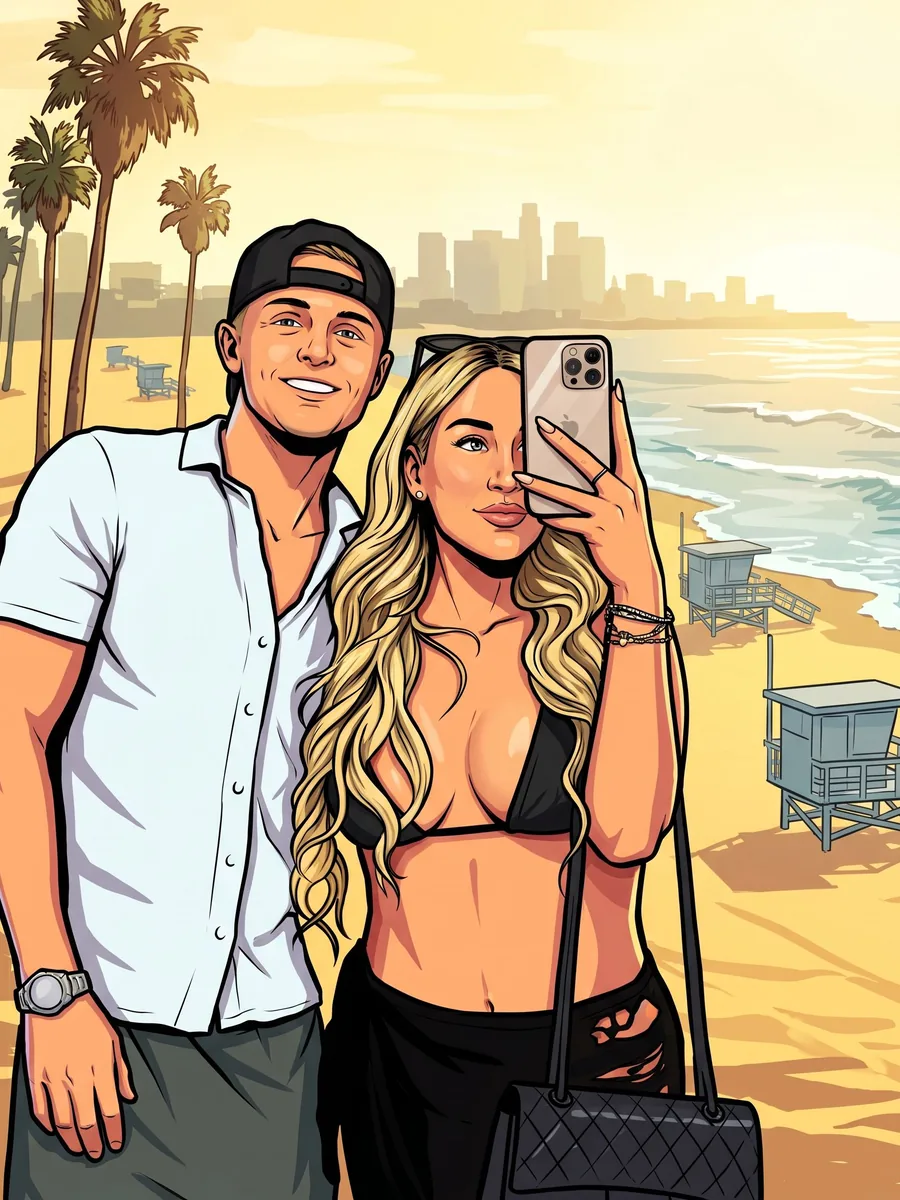
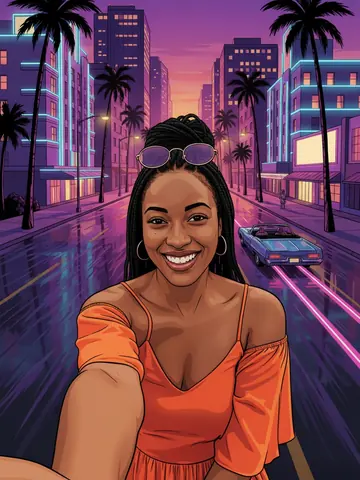
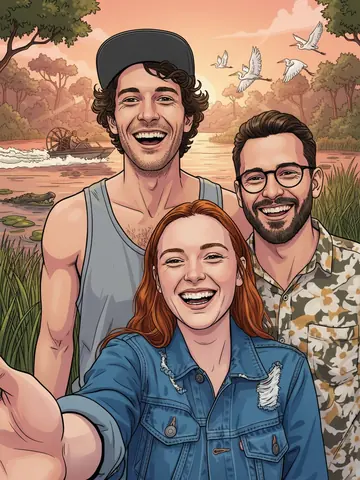
The word filter is shorthand. Nobody wants their selfie tinted orange. They want the illustration style from GTA covers and loading screens: heavy ink lines, flat cel-shaded color, hard shadows and a sunny or neon backdrop. Our guide to the GTA art style breaks that look down.
Is there an official one?
Not that we know of. We have not seen Rockstar Games release a GTA 6 photo filter, so anything carrying that name comes from someone else.
That includes us. Vice Photos is an independent app. It is not made by, affiliated with, endorsed by or sponsored by Rockstar Games or Take-Two Interactive. It makes GTA-style art, meaning art in the look of GTA loading screens, with your face in it instead of game characters.
How to get the look on your own photos
The AI part matters. A normal filter can only recolor a photo. Vice Photos sends your photo to an AI image model that redraws it as an illustration, which is how you get actual ink outlines and flat color instead of a tint.
- Get Vice Photos from the App Store. It needs an iPhone on iOS 15 or later.
- Choose a photo or take a selfie.
- Choose a scene: Beach Vibes, Vice Club, Heist Ready, Downtown Chaos, Street Gang or Luxury Life. Keep My Background restyles the photo right where it was taken.
- Give it about 15 seconds, then save or share the result.
Your real face, hair, pose and framing stay put. There is a fuller walk-through in how to turn a photo into GTA-style art.
What the free photo includes
Your first photo is free. The finished art is yours to save or share, and it carries a Vice Photos tag.
After that, photos come from credit packs: 1 photo for $0.99, 10 for $4.99, 25 for $9.99 or 60 for $19.99. Credits never expire and there is no subscription. Buying any pack removes the tag.
Common questions
Is the GTA 6 filter free?
The first photo in Vice Photos is free and carries a tag. After that, photos come from credit packs that start at $0.99, with no subscription.
Is this the official GTA 6 filter from the game's makers?
No. As far as we know there is no official one. Vice Photos is independent and has no connection to Rockstar Games or Take-Two Interactive.
Is there a GTA filter app for Android?
Not from us. Vice Photos is iPhone only, on iOS 15 or later, and there is no Android version.
Does the filter use AI?
Yes. Your photo is sent to an AI image model that redraws it in the comic style. Photos are not stored permanently.
Does it work on group photos?
Yes. It works on solo selfies, couples and small groups. Likeness is closest when every face is clearly visible, well lit and turned toward the camera.
More guides
- GTA-style photo generatorVice Photos is a GTA-style photo generator for iPhone. It redraws your selfie as comic loading screen art, keeps your face, and the first photo is free.
- Photo to GTA styleHow to turn a photo into GTA-style art on iPhone in a few steps, which photos work best, and the usual reasons a result looks off. First photo is free.
- Loading screen makerWhat makes GTA loading screen art recognizable, and how to turn your own photo into loading screen style art for posters, group chats and party invites.
- GTA 6 pfp makerMake a GTA-style pfp from your own selfie on iPhone. How to frame your face for a round crop, which scenes read well small, and what each platform needs.